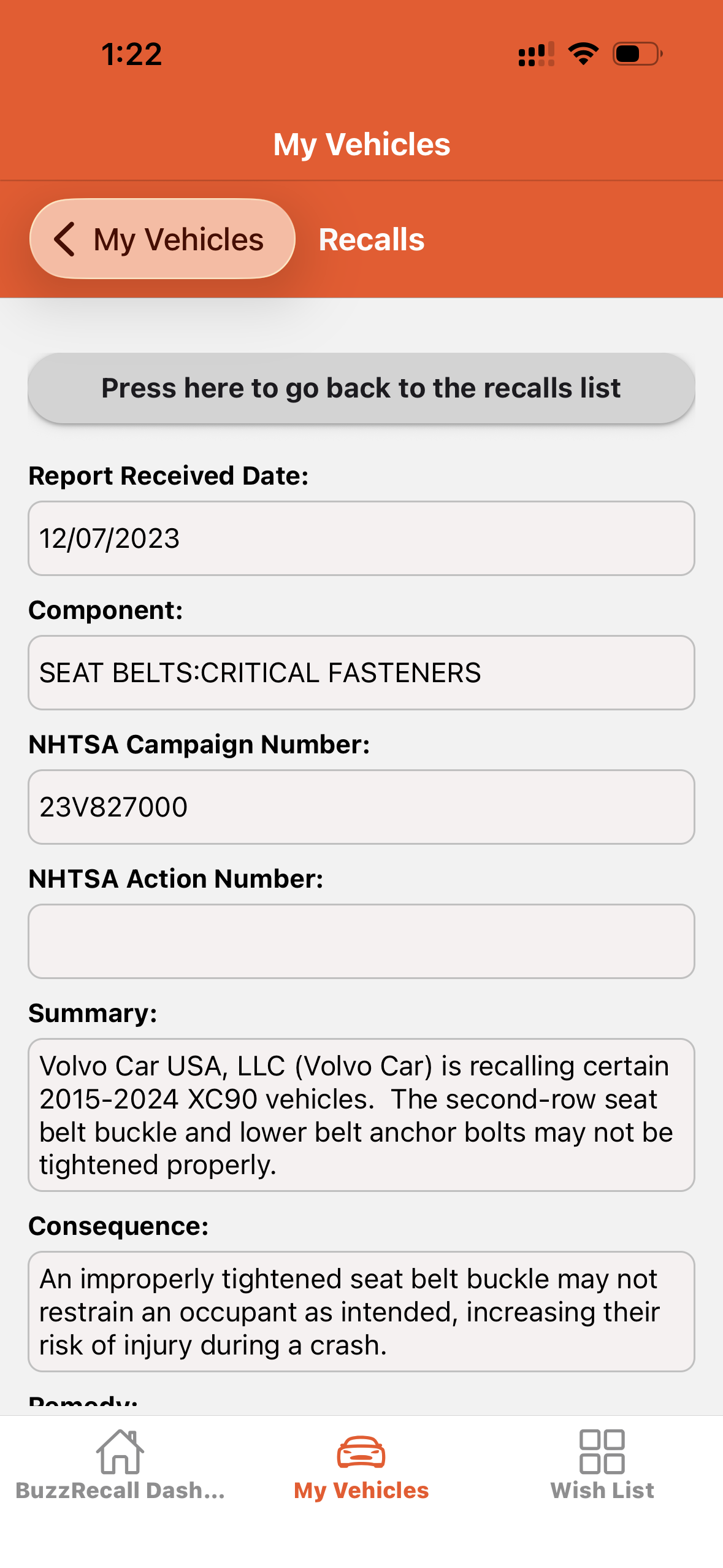
Add a vehicle
To add a vehicle, tab on My Vehicles tab.
- Tap on Add a new vehicle.
- Fill in the 3 fields as shown in the screenshot.
- Tap on “Save your changes and complete VIN verification”]
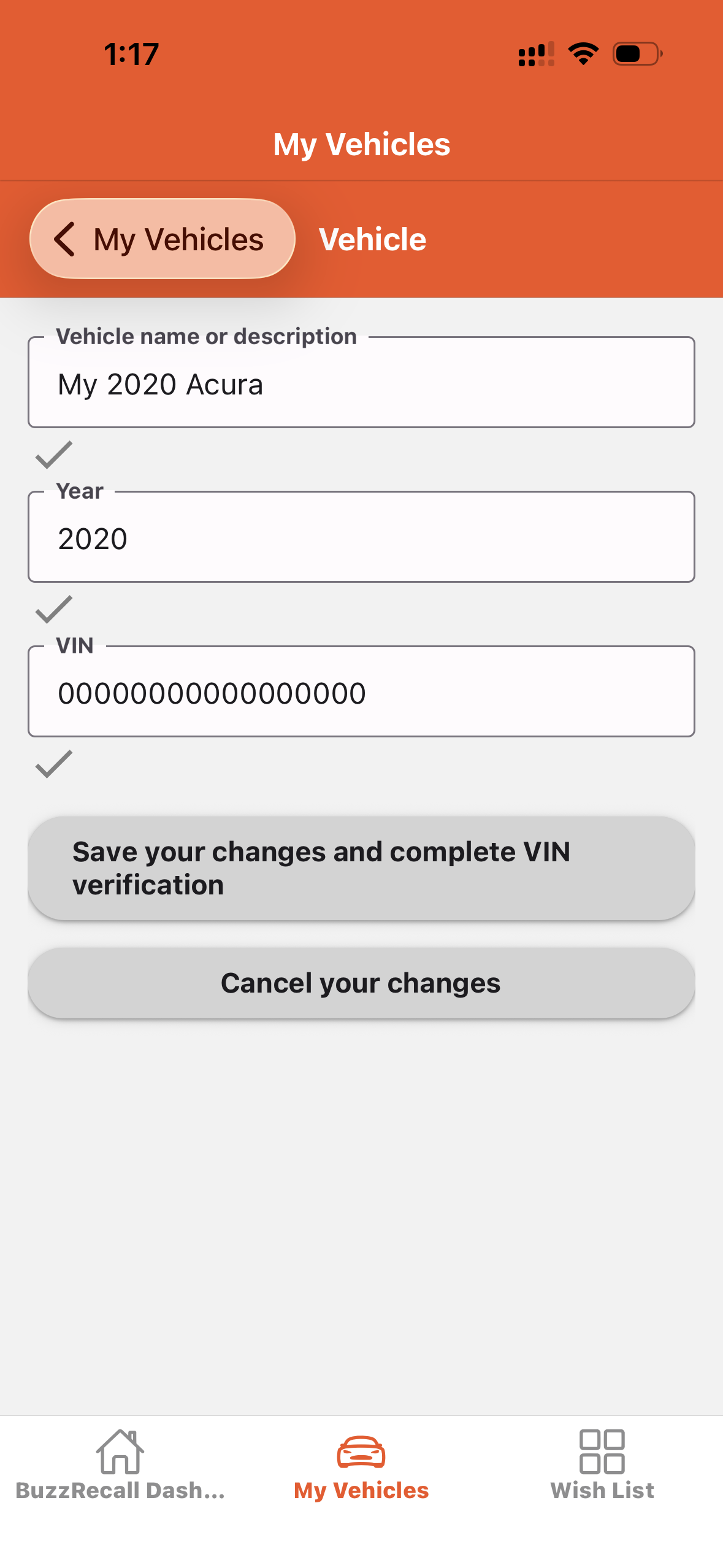
Vehicles list
Tap the “View Vehicles” button to see your vehicle details.
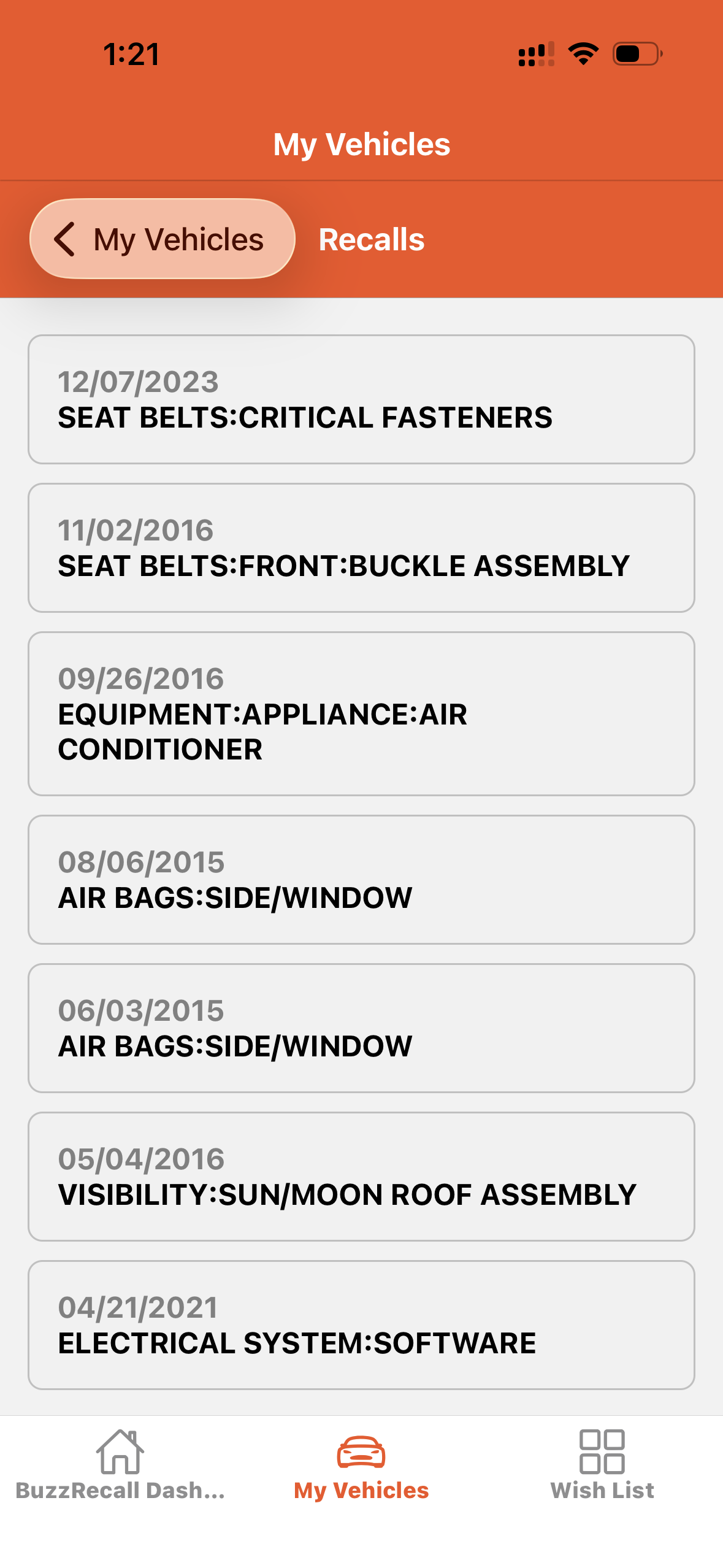
Tap the “View Recalls” button to see your vehicle’s recall records.
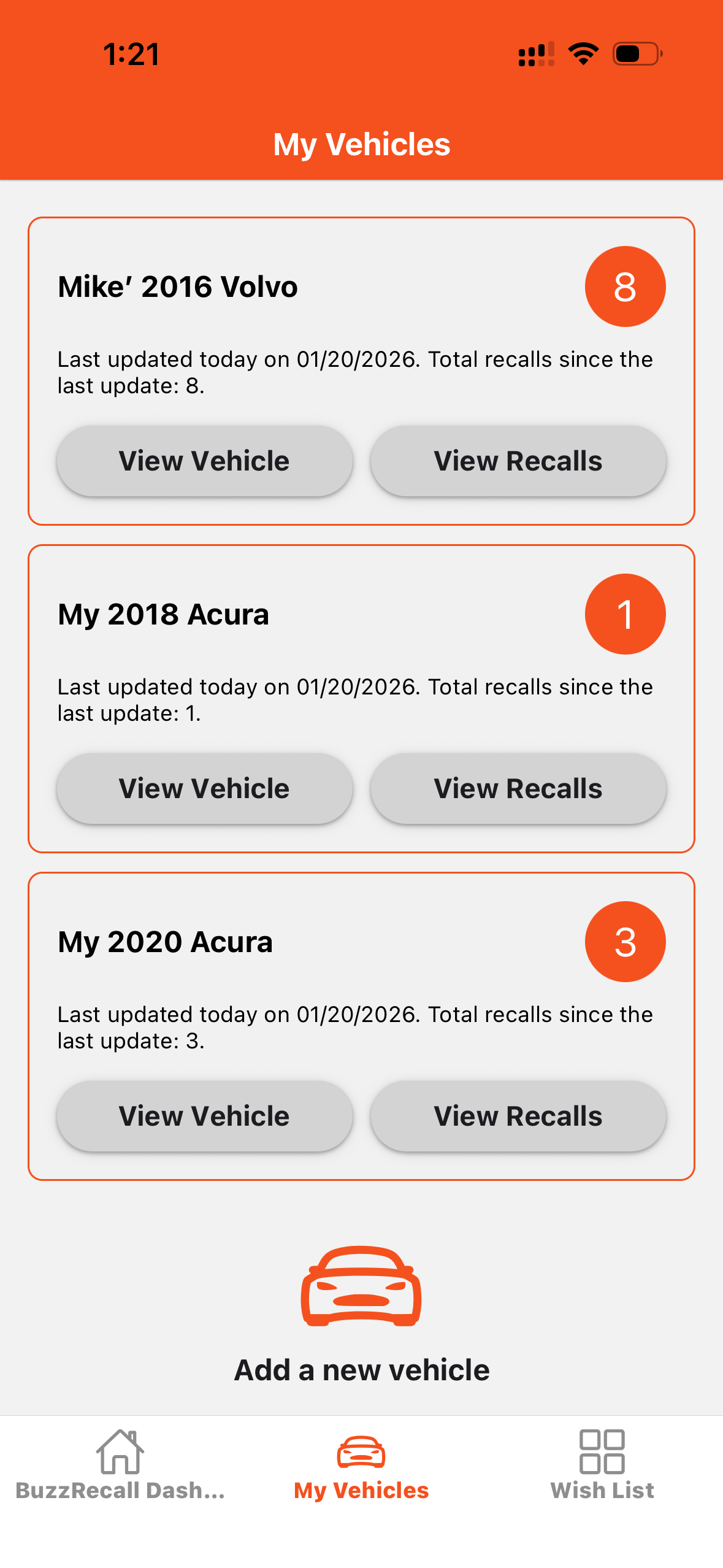
View vehicle
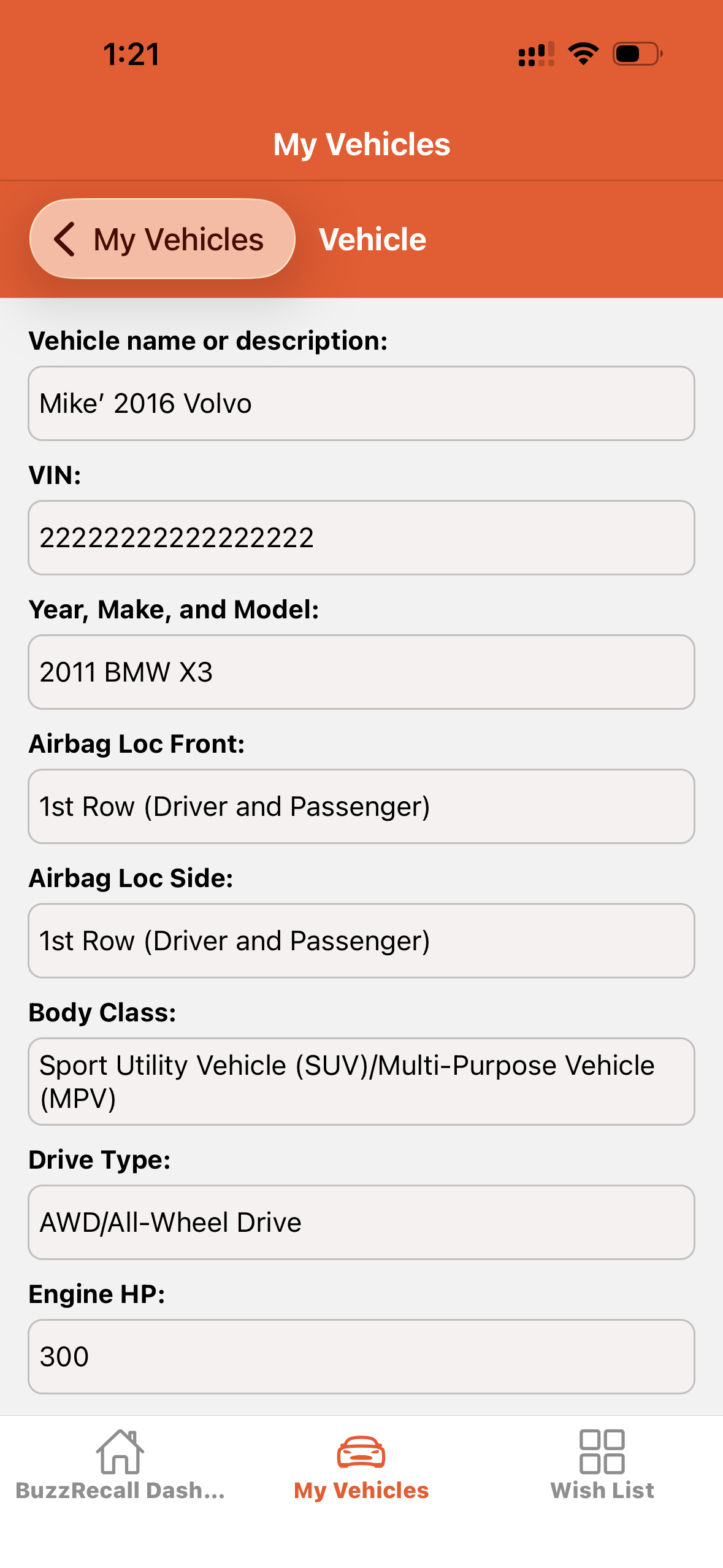
View recalls
View one recall record